
Step 1
Set your goal
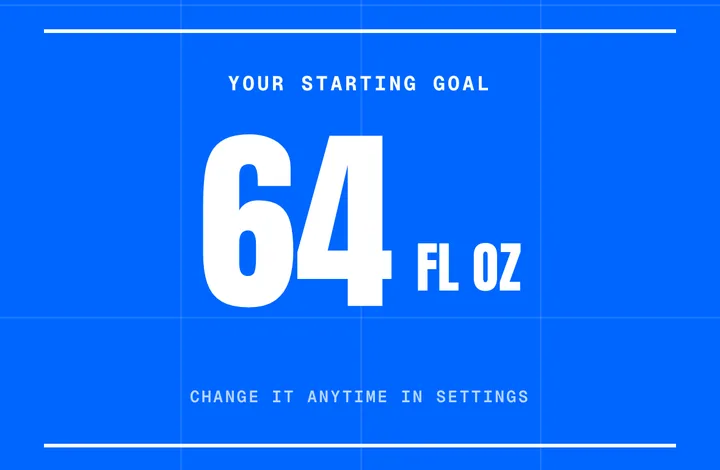
Tell AquaJoy how much water you’re after. Change it any time in Settings.
Water tracker for iPhone
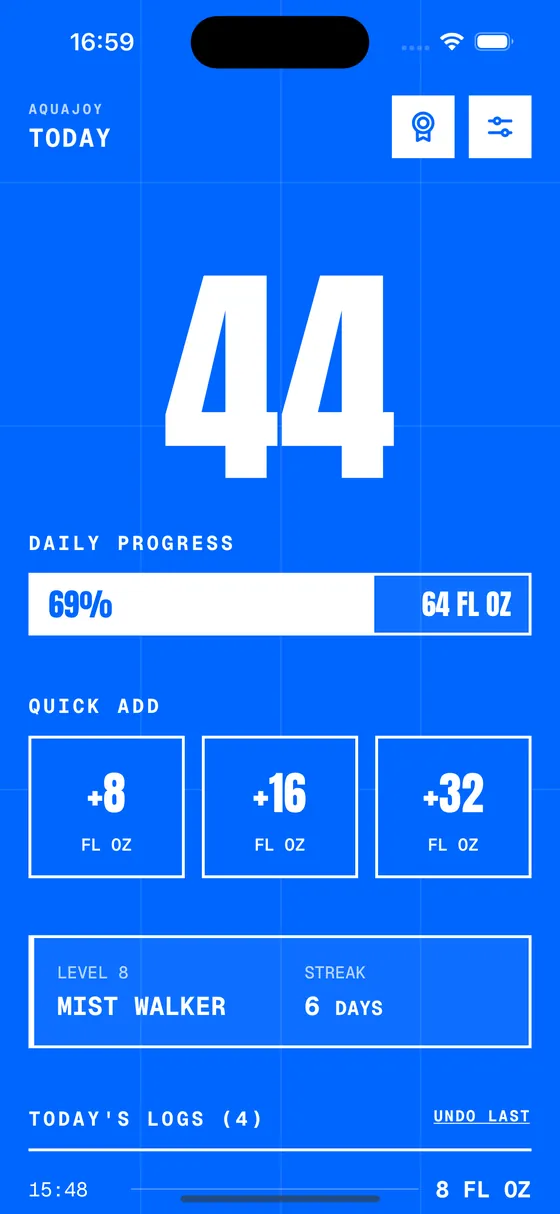
Log a glass in one tap. Every one earns XP, pushes you up a level, and unlocks the next pin.
Download free on the App StoreiPhone · iOS 15.1+ · No account needed
How it works
Step 1
Tell AquaJoy how much water you’re after. Change it any time in Settings.
Step 2
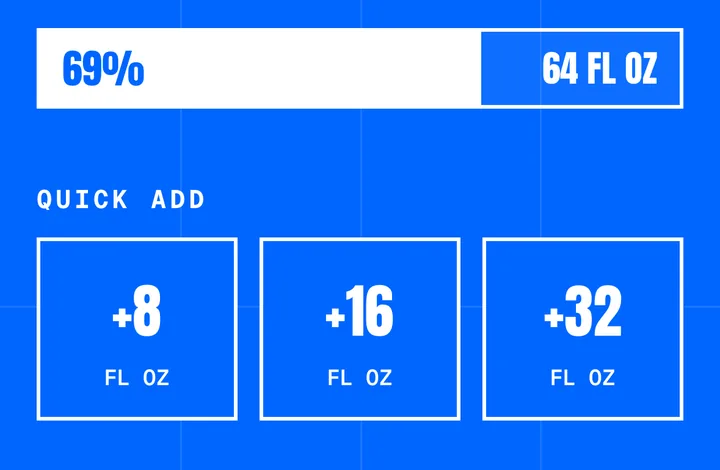
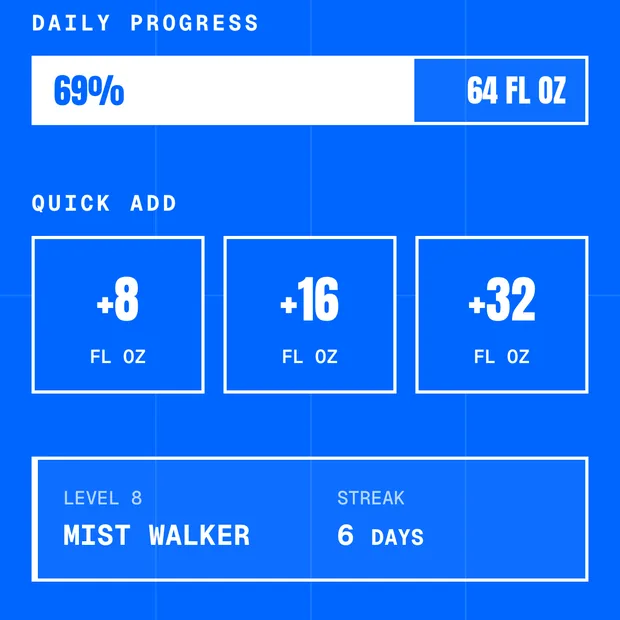
Quick adds in the sizes you actually drink. One tap, no typing.
Step 3
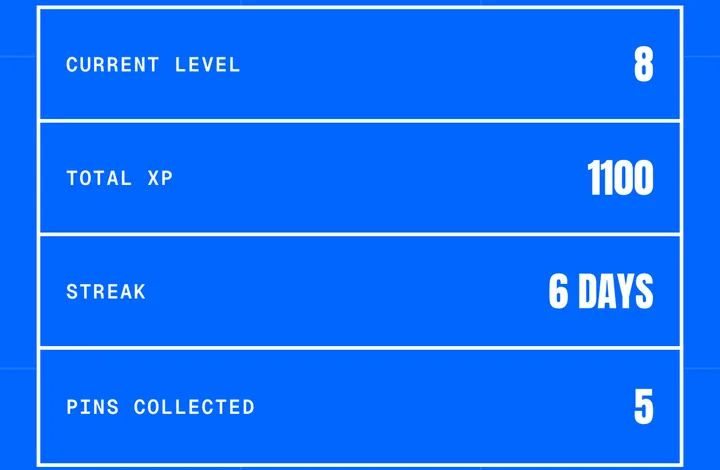
XP on every log, a streak every day, a pin at every milestone.
Why it sticks
Open, tap, done. No menus, no typing, no math.
Reminders run on your schedule and go quiet the second you hit your goal.
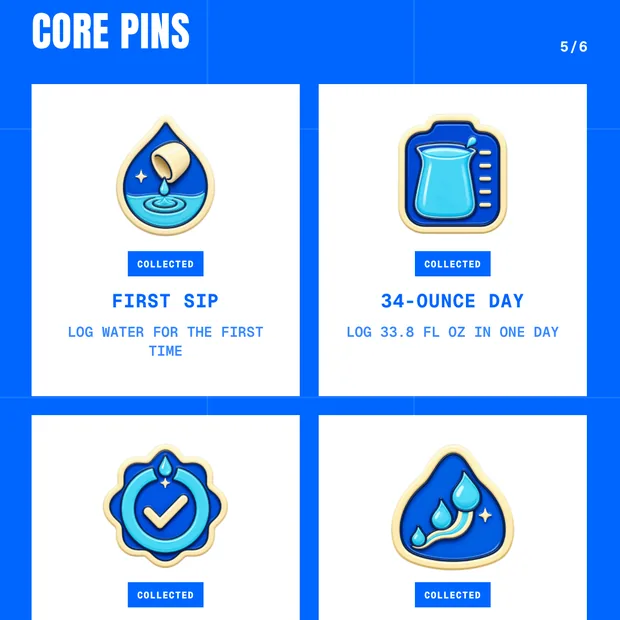
Hit a milestone, unlock a pin. Your album fills up as the habit does.
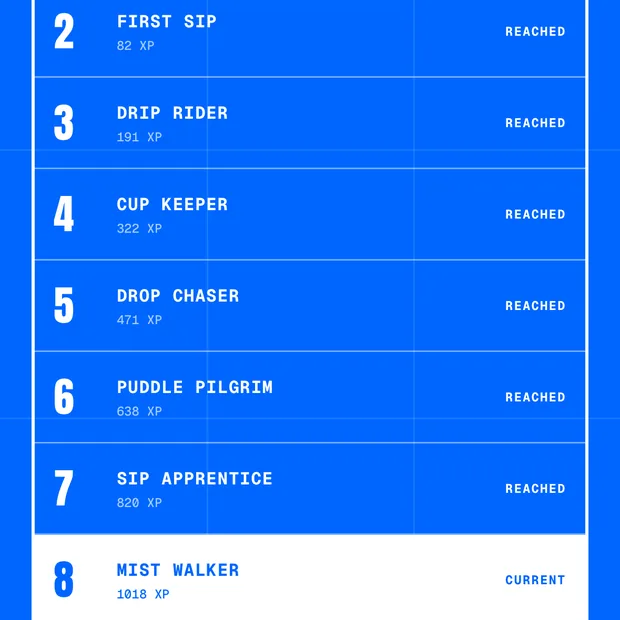
A hundred levels to climb, so a dull habit finally has a scoreboard.
The short version
AquaJoy is a hydration tracking app for iPhone that helps you drink more water and build a consistent hydration habit. It combines one-tap water logging, hydration reminders, XP progression, levels and collectible pins to make daily water tracking more engaging.
Set a daily goal, tap to log each drink, and watch the number climb. Streaks link your days together, XP turns every log into progress, and pins land when you hit a milestone. Reminders run in a window you pick and go quiet once you’ve reached your goal. Everything stays on your iPhone — no account, no sign-up, nothing to remember but the water.
Not sure what your own number should be? Try our free water intake calculator. Read how much water you should actually drink a day, or see what actually makes a water tracking app worth keeping.
Still comparing? We ranked the 9 best water tracking apps for iPhone — AquaJoy included, and not at number one. More about who makes it and how those comparisons are written.
FAQ
AquaJoy is a hydration tracker for iPhone. You log what you drink, it keeps your daily total, and it turns the habit into levels, streaks and pins you collect along the way.
Tap a quick-add button — 8 oz, 16 oz, or a cup size you set yourself — and it lands in your day instantly. Your total and your progress toward your goal update on the spot.
Yes, during a window you choose. They stop for the day the moment you hit your goal, so you’re never nudged about water you’ve already drunk.
Yes. Every log earns XP, daily goals build streaks, and hydration milestones unlock collectible pins across 100 levels.
Yes. Logging, your daily goal, reminders, streaks and the first ten levels are free, with no account and no sign-up. Premium is optional and unlocks custom cup sizes, all 100 levels, the full pin album and Apple Health sync.
The difference is the motivation mechanic: XP toward 100 levels, streaks and collectible pins, with no account required and reminders that stop once you hit your goal. Other apps use other mechanics — Plant Nanny grows a virtual plant, Waterllama collects characters, WaterMinder skips the game entirely and focuses on detailed logging with an Apple Watch app. AquaJoy launched in August 2026, so it has no rating history and no Apple Watch app. Apple Health sync is available on Premium, though it writes AquaJoy’s own logs to Health rather than importing an existing Health history. Our own roundup of the 9 best water tracking apps for iPhone ranks Waterllama first and AquaJoy fourth.
On the Apple App Store, for iPhone. It’s free to download.
